

Zapier
Wire an app you already use to mintBlue through Zapier, and record what it produces without writing code.
Platform v0.x
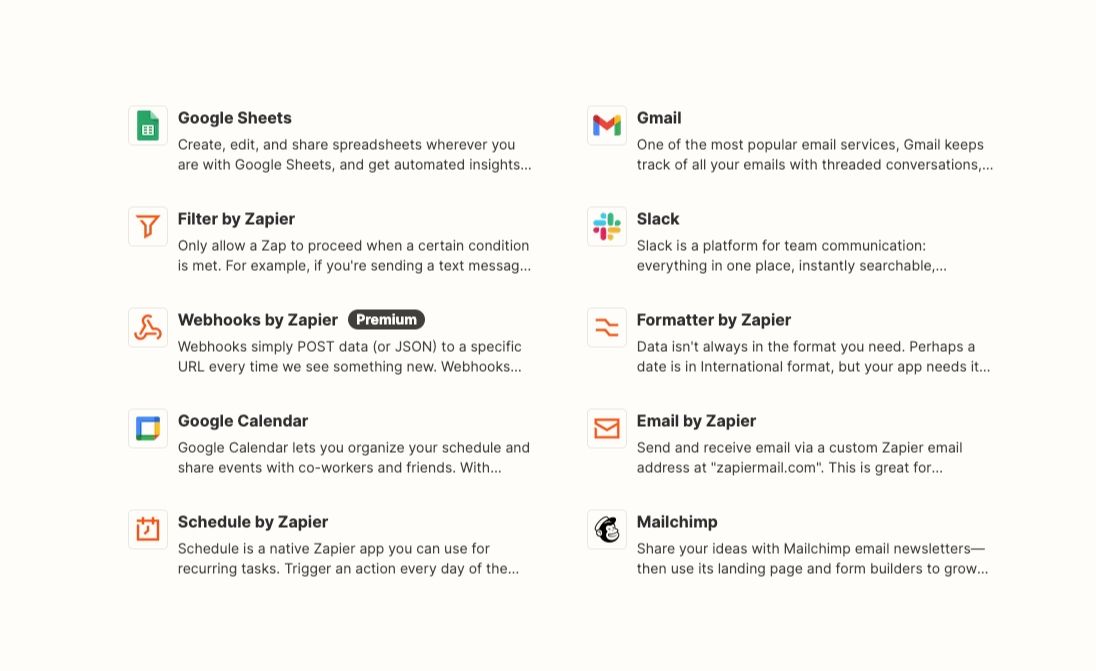
Zapier connects mintBlue to the systems you already run. Whether it's a Google form, Slack channel, CRM input, or otherwise. If an app is available in Zapier, you can record that data on the public audit layer with mintBlue.
Overview
This tutorial will guide you on creating an automation that will publish all emails received from a specific email address to the public audit layer.
Prerequisites
- ✅ Create an Access Token and create a new project (see Quickstart)
Create a new Zap in Zapier
Step 1: Configure the Trigger (Gmail)
Go to your Zapier dashboard at https://zapier.com/app/dashboard
- Click the "Create Zap" button in the top left corner:

- Define which app and event will trigger the automation
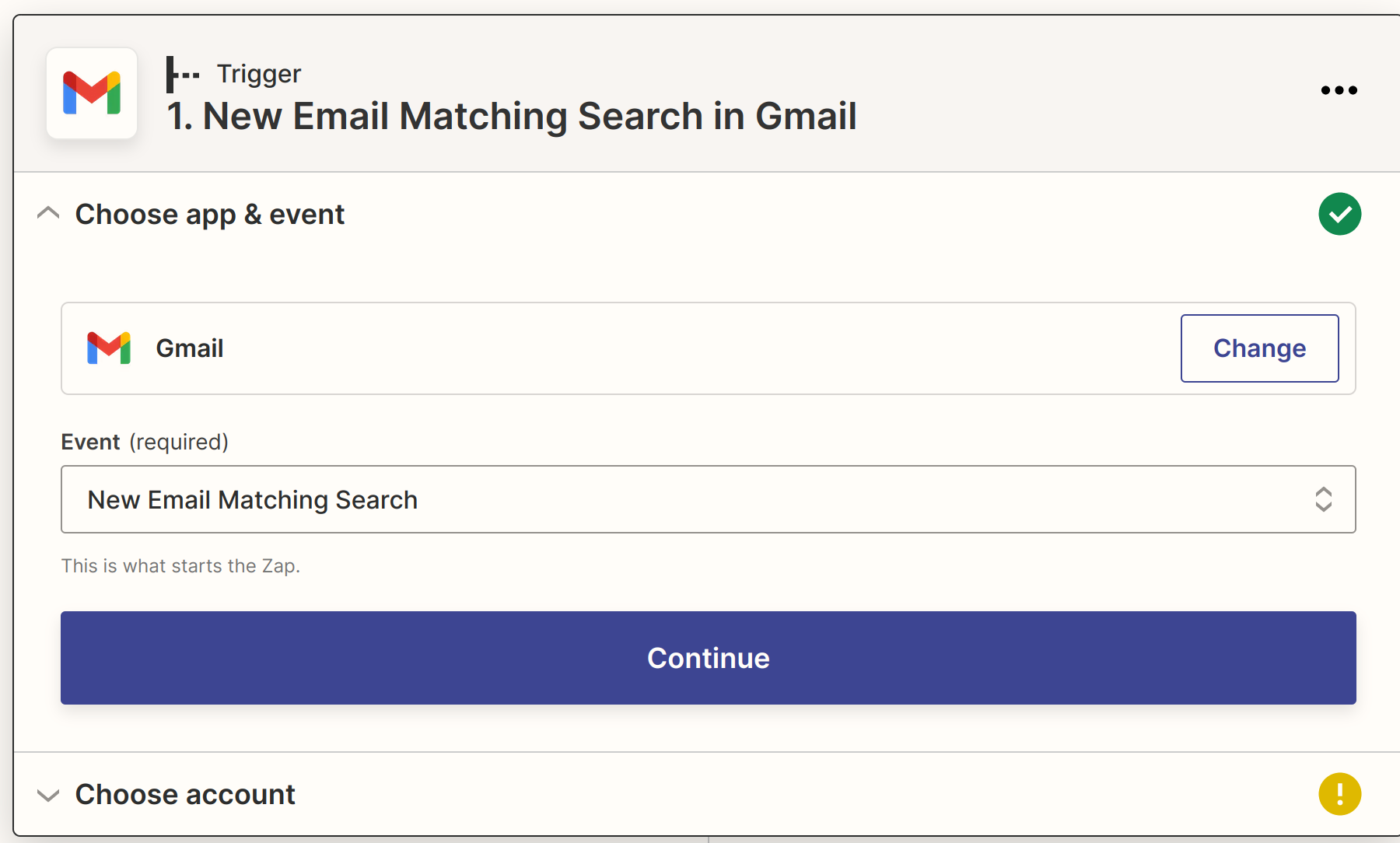
- Choose App "Gmail" and event "New Email Matching Search"
- Sign in to your Gmail account as instructed

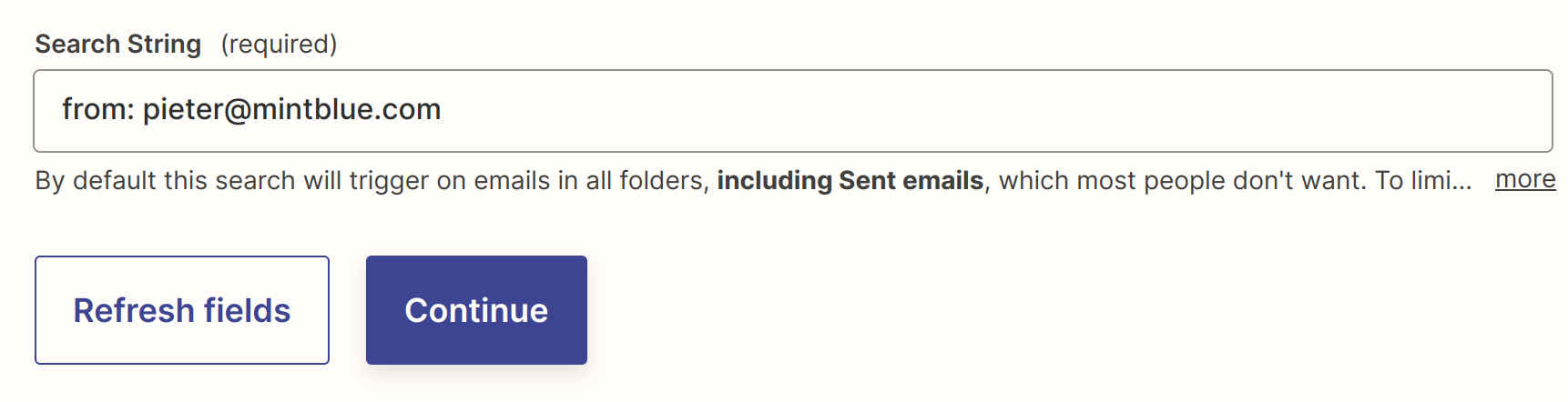
- Define which emails will trigger the automation
- In this example, we will only look for email coming from a specific address
In the next step, you can test your trigger and will be shown an example email. Continue through this and then define which action to run when the automation is triggered.
Step 2: Configure the Action with mintBlue
Choose the app "mintBlue" and the event "Create a Data Transaction"
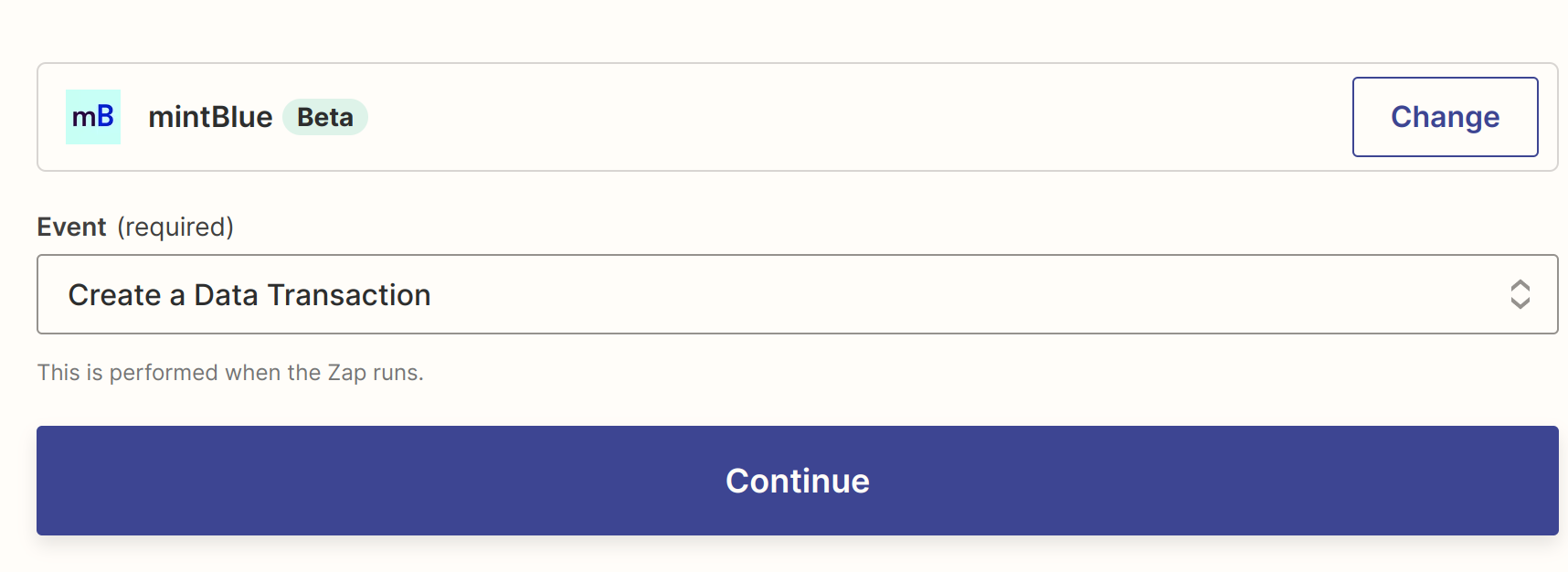
- Proceed to "Sign in to mintBlue" in Zapier
- Use the API Token you obtained in the Quickstart.

-
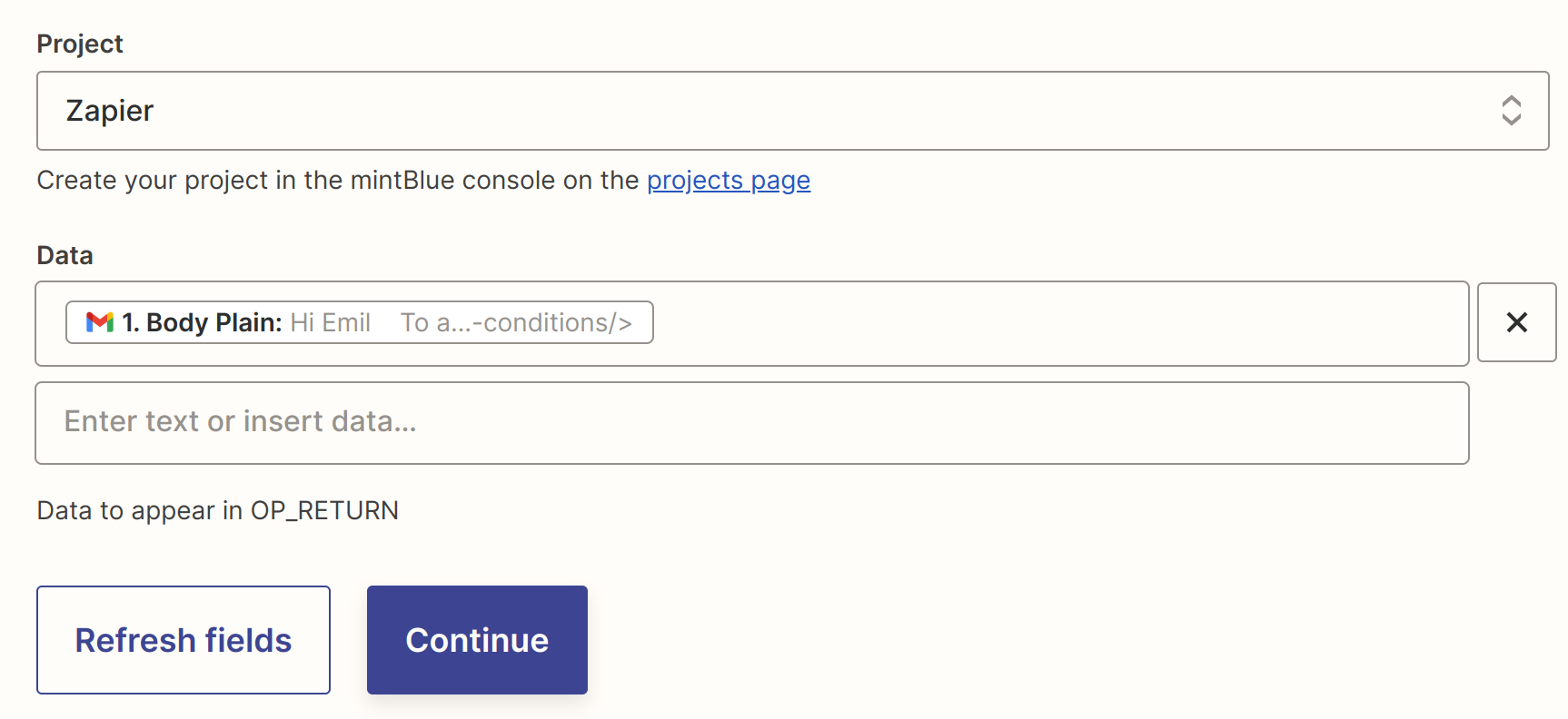
Then select the "Zapier" project you have created earlier in this guide
-
In the first Data field, select "Body plain" (which is the email's content) and continue
This is just an example. If you actually do this, your email content will be publicly readable on the public audit layer.
- Click "Test & Review" to create your Zapier's first transaction!
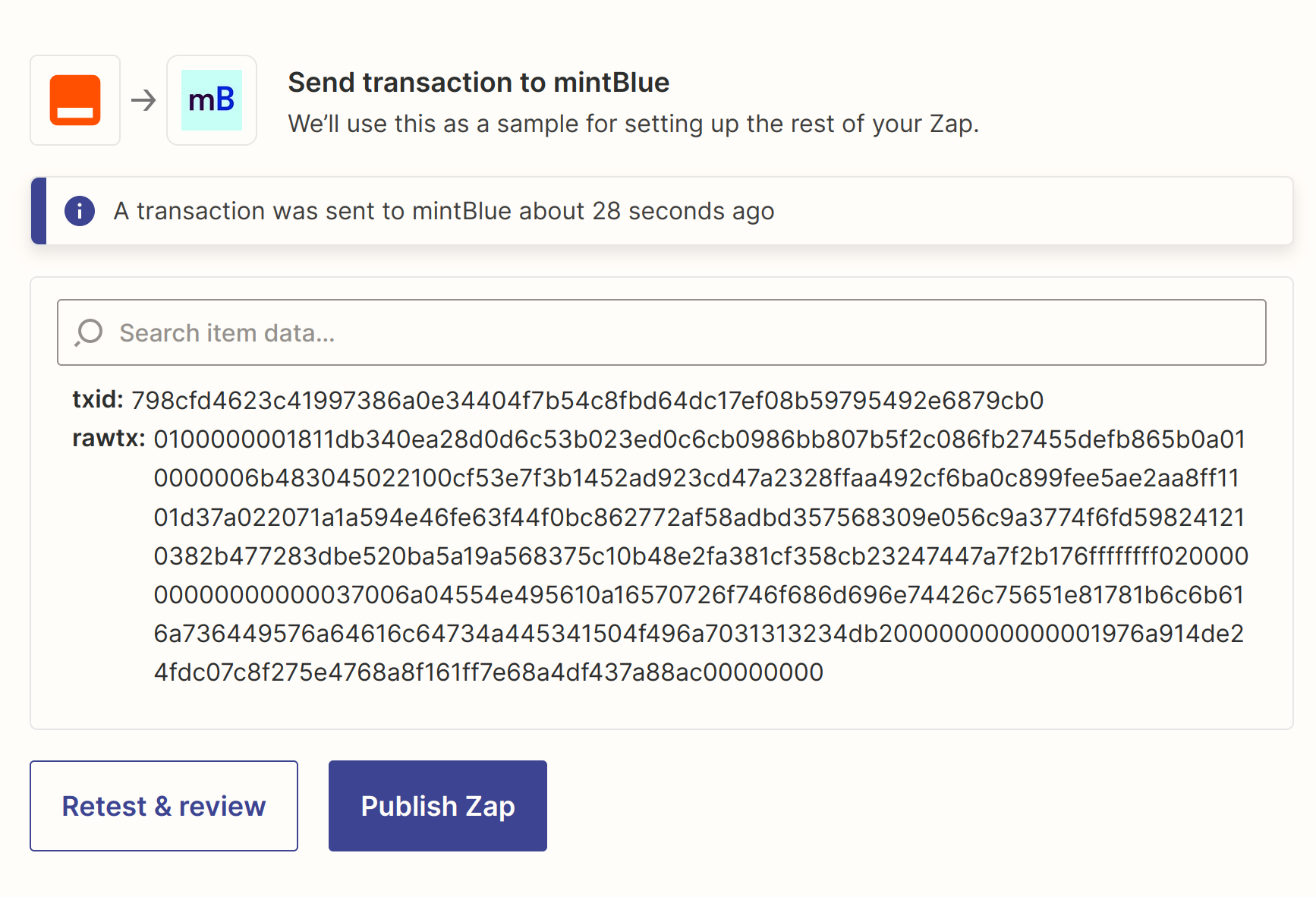
- Click "Publish Zap" to activate the automation
Congrats! You have successfully set up an automation pushing filtered emails to the public audit layer!
What's next?
Now that you've done this setup with email, try it with your Twitter account to save all your tweets to the audit layer!